Blog
- event-planning
- tips
Shared Office Space in Trophy Club: What to Evaluate Before You Commit
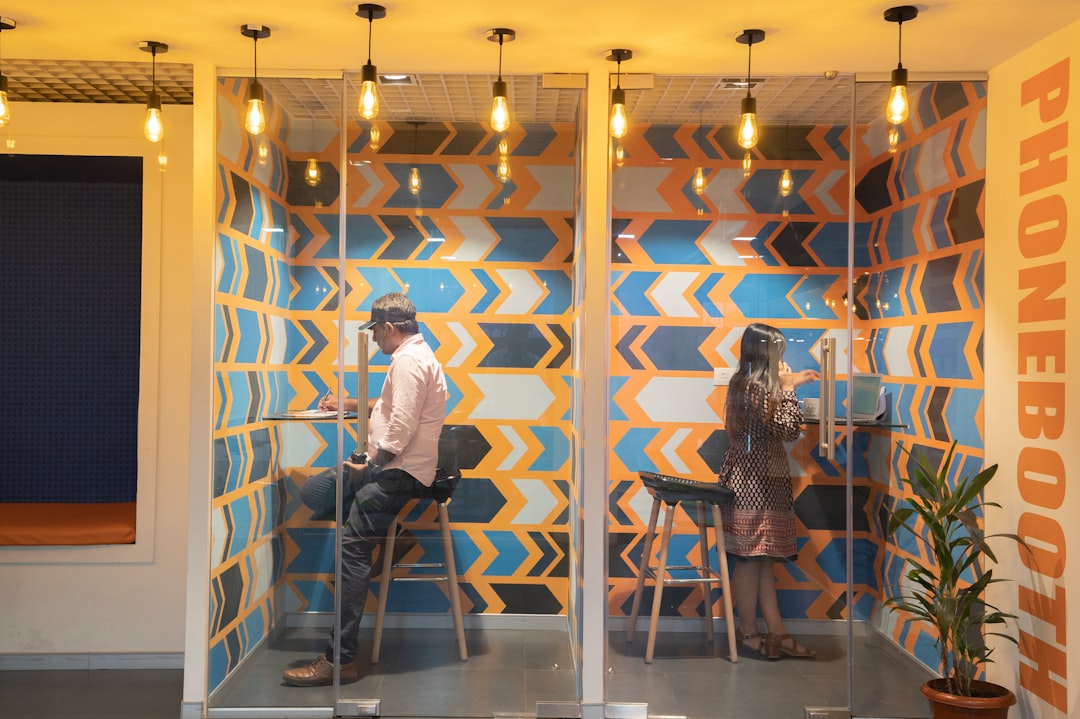
Looking for shared office space in Trophy Club? Learn what to evaluate before you sign — layout, AV setup, and presentation readiness for your team.
Shared office spaces in Trophy Club have become a practical option for small teams, independent consultants, and remote workers who need a professional address and access to meeting rooms without the overhead of a dedicated lease. The decision looks straightforward on paper — compare monthly rates, check the amenities list, sign. In practice, the differences that matter most to your day-to-day work rarely appear in the brochure. Meeting room capacity, acoustic separation, presentation equipment, and the reliability of that equipment when a client is sitting across the table — these are the details that determine whether a shared space actually serves your business or just looks like it does.
What "Fully Equipped" Actually Means in a Shared Office
Shared office spaces in Trophy Club frequently advertise conference rooms as "fully equipped" or "AV-ready." Before you rely on that description for a client pitch or a team training session, it's worth asking exactly what equipment is installed, how old it is, and whether it's been maintained.
A mounted display that hasn't been tested in three months, a wireless presentation dongle that only works with specific operating systems, or a single ceiling speaker that can't cover a twelve-person room — these are not edge cases. They're common in shared environments where no single tenant is responsible for equipment upkeep, and where the space operator has limited incentive to invest in hardware that every member uses but no one owns.
The question is not whether the room has AV equipment. The question is whether that equipment will work reliably on the day you need it.
The Problems That Surface During Actual Use
Most issues with shared office AV infrastructure become visible only when something is at stake. A weekly internal standup can survive a poor display. A client presentation, a board update, or a recorded training session cannot.
Common friction points in shared conference environments:
- Audio bleed between rooms. In open or semi-open layouts, sound from adjacent spaces competes with your meeting. This is partly an acoustics problem and partly a speaker placement problem.
- Incompatible connections. HDMI, USB-C, DisplayPort — shared rooms often have one cable type and no adapters. If your laptop doesn't match, you're presenting from memory.
- No microphone support for remote participants. A display in the room does nothing for the three people joining from outside Trophy Club if there's no microphone pickup. Half your audience hears everything through a laptop's built-in mic.
- No one to call when it fails. Shared space operators are not AV technicians. When equipment doesn't work, the support option is usually a phone number that routes to a general facilities line.
What's Actually at Stake
Presentation failures in client-facing settings create a specific kind of damage. It's not just the lost time to reboot a display or find a working cable. It's the perception that your operation isn't prepared — that you didn't think through the basics before asking someone to drive to Trophy Club for a meeting.
For internal events — training days, quarterly reviews, team-wide announcements — the cost is measured in productivity and credibility. An hour-long session that loses thirty minutes to technical problems is not a minor inconvenience. It signals poor planning to the people you're trying to lead.
Shared office infrastructure is built for general use, not for the specific demands of your highest-stakes meetings.
How to Fill the Gap Without Leasing Your Own Equipment
If the shared office space you've chosen in Trophy Club doesn't provide reliable presentation hardware, short-term AV equipment rental closes that gap without a capital commitment.
For a client presentation in a conference room, a portable projector and a rollable screen give you a setup that doesn't depend on what's mounted on the wall. For a half-day training session with fifteen attendees, a paired PA speaker and wireless microphone ensures that the person presenting doesn't have to project over ambient office noise.
EventGear PDX serves the Portland metro and surrounding region — if you're coordinating events across Pacific Northwest locations, equipment is tested before delivery, and local technician support is available for setups that need more than drop-off. Rental durations are flexible: a single afternoon, a full day, or a multi-day engagement. You bring the content. The gear works when you need it.
What AV equipment should I ask about before booking a shared conference room?
Ask specifically: What display size is installed? What input connections are available (HDMI, USB-C, wireless)? Is there a microphone for remote participants? When was the equipment last tested? If the space operator can't answer the last question, treat the room as unequipped for anything client-facing.
Is renting AV equipment cost-effective for a single meeting?
For a meeting where the outcome matters — a client pitch, a recorded session, a presentation to leadership — yes. The cost of a portable projector and speaker rental is a fraction of the cost of a failed meeting. The math changes when you're comparing it to a routine internal check-in where the stakes are low.
What's the most common AV mistake teams make in shared office spaces?
Assuming the installed equipment will work and not testing it before the meeting starts. Arrive early, connect your device, run the presentation, check the audio. If something doesn't work, you have time to solve it. If you discover the problem thirty seconds before your client walks in, you don't.
Can I rent AV equipment for just a few hours?
Yes. EventGear PDX offers flexible rental durations, including single-session and same-day availability. If you have a three-hour client session in a shared space and the room's built-in setup isn't reliable, a short-term rental is a straightforward solution.
Ready to Stop Relying on Whatever's Mounted to the Wall?
If you have a high-stakes meeting coming up in a shared conference room and you're not confident in the existing AV setup, contact EventGear PDX to describe your session. We'll recommend the right equipment for the room size, the audience, and the outcome you need.