Blog
- equipment
- video
Renting Projectors for Portland Events: What You Need to Know Before You Book
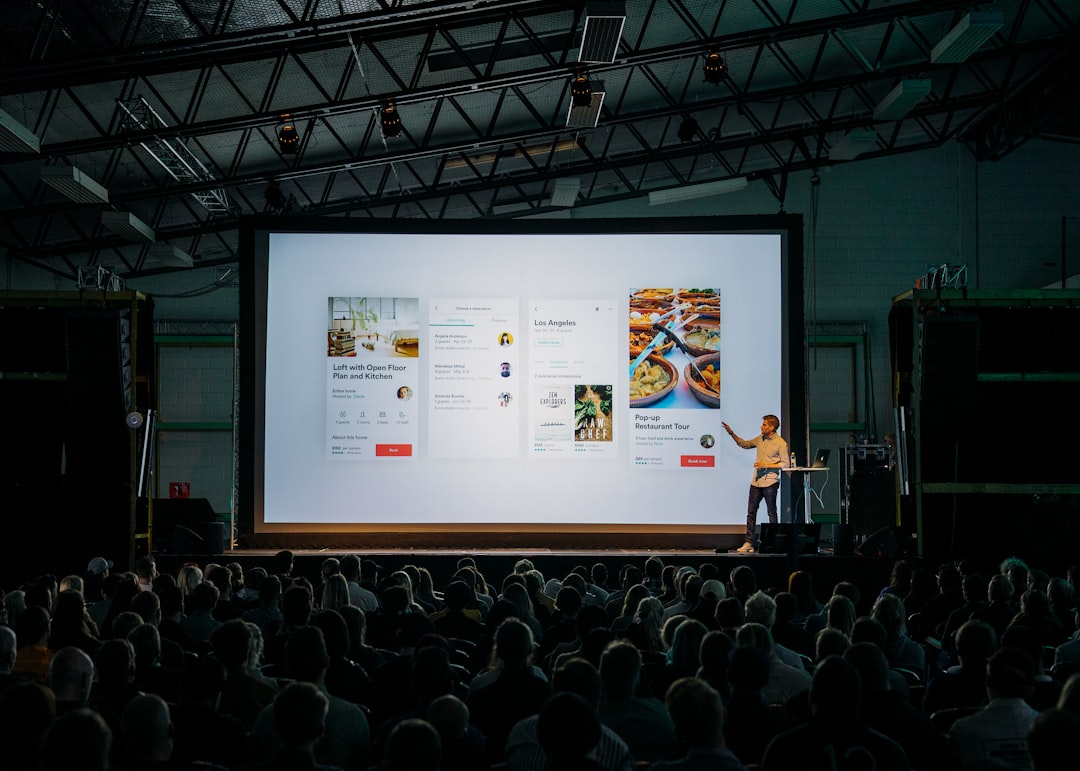
Renting a projector for your Portland event? Learn what to look for, what to avoid, and how local delivery makes the difference. EventGear PDX.
Renting projectors sounds straightforward until you're standing in a hotel ballroom the morning of your event and the image looks washed out under the house lights. Most projector problems aren't caused by faulty equipment — they're caused by mismatches between the gear and the space. Wrong brightness, wrong throw distance, wrong input format. These are fixable problems, but only if you catch them before delivery day. This guide covers what actually matters when selecting a rental projector for a corporate presentation, conference session, or hosted event in the Portland metro area: how to read the specs that affect image quality, what questions to ask before you confirm a reservation, and how to avoid the decisions that tend to backfire in real rooms.
Why Brightness Is the Spec That Actually Matters
When renting projectors, most planners focus on resolution first. Resolution matters — but in most event environments, brightness determines whether your audience can actually read the screen.
Projector brightness is measured in lumens. A 3,000-lumen unit performs well in a darkened room with blackout curtains. That same projector, dropped into a windowed conference room or a ballroom with ambient lighting, will produce a flat, washed-out image that nobody in the back row can read comfortably.
For events with moderate ambient light, 4,500 to 6,000 lumens is a reasonable starting point. For large rooms, outdoor-adjacent spaces, or venues where the client controls only some of the lighting — such as hotel ballrooms with perimeter windows — you may need 7,000 lumens or higher.
Before confirming a rental, share the room dimensions and lighting conditions with your AV provider. A specific recommendation based on your actual space is worth more than a spec sheet.
The Problems That Surface on Event Day
Two issues account for most projector failures at live events: input compatibility and throw distance.
Input compatibility is rarely discussed in advance and frequently causes delays at setup. A presenter arrives with a MacBook running USB-C only. The rental projector accepts HDMI. Nobody brought an adapter. The solution exists — it's a $15 cable — but sourcing one 45 minutes before a general session starts is a real problem in a venue off Powell or in a convention space in the Pearl District.
Before delivery, confirm the exact laptop models your presenters will use and verify that the signal chain is complete: laptop output → adapter if needed → cable → projector input. This takes five minutes to sort out in advance and can consume an hour on event morning.
Throw distance is the second common mismatch. Every projector has a throw ratio — the relationship between its distance from the screen and the image width it produces. If the projector needs to sit 18 feet back to fill a 10-foot screen, and your room only allows 10 feet of depth, the image will be undersized. Standard throw lenses don't negotiate. Confirm your room layout and available projection distance before selecting a unit.
What Good AV Rental Solves
The gap between a projector that's technically available and one that's right for your event is where professional rental service earns its value.
Every projector in the EventGear PDX inventory is tested before it leaves the warehouse — bulb hours checked, inputs verified, image calibrated. When you describe your venue and use case, we match you to a unit specced for that room, not the nearest available unit on the shelf.
For Portland metro events, we deliver to the venue, handle placement and connection, and confirm the image before we leave. If your event requires a technician on-site through the session — for multi-input switching, confidence monitors, or live presentation support — that can be arranged. Same-day availability covers last-minute bookings when a previously arranged setup falls through.
The practical result: you're not troubleshooting signal chain issues in front of your attendees. The image is right when the room fills.
Choosing the Right Screen for Your Projector Rental
A projector without the right screen is half a solution. Venue walls are rarely true white, rarely flat, and rarely sized correctly for your throw distance. For any event where image quality is visible to more than a handful of people, a purpose-matched screen is worth including in the rental.
Front-projection screens come in fixed-frame and tripod-mounted configurations. Fixed-frame screens are appropriate for permanent setups or large ballroom stages. Tripod screens are faster to position and work well for breakout rooms, smaller conference setups, and situations where the projection angle changes room to room.
Screen gain — the reflectivity of the surface — should match the projector's brightness and the room's ambient light. For high-lumen projectors in bright rooms, a higher-gain screen helps. For dark rooms with lower-lumen units, a standard-gain surface distributes light more evenly across wider seating angles.
When you book a projector through EventGear PDX, screen sizing and pairing is part of the conversation, not an afterthought.
How far in advance should I reserve a rental projector for a Portland event?
For standard corporate or conference use, two to five business days is usually sufficient. For large events, multi-projector setups, or events during peak season — spring conference season and fall corporate Q4 — booking a week or more out gives you better equipment selection and more flexibility on delivery timing. Same-day availability exists for genuine emergencies, but it limits your options.
Can I pick up the projector myself, or does it need to be delivered?
Pickup is available for planners who prefer it and have appropriate transport. For most events, delivery is the better choice: the unit arrives tested, positioned, and confirmed working. Self-transport introduces risk of damage in transit and puts the setup responsibility on whoever is already managing the event. If you're coordinating a 200-person general session, that's not the hour to be running HDMI tests.
What's the most common mistake people make when renting a projector?
Booking on brightness alone without accounting for throw distance. A 6,000-lumen projector that can't fill your screen at the available room depth is useless regardless of its output. Always confirm your projection distance and desired screen size together, then let those numbers determine which unit fits.
Do rental projectors include cables and adapters?
EventGear PDX delivers with the cables required for a standard HDMI connection. If your presenters are using USB-C, DisplayPort, or older VGA outputs, flag that at booking. We can include the appropriate adapters. Assuming the right cable will be available on-site is one of the few genuinely avoidable event-day problems.
Ready to Confirm Your Setup?
Tell us your venue, room size, lighting conditions, and presenter equipment — we'll match you to the right projector, pair it with a screen, and deliver it tested and ready. Contact EventGear PDX to get a same-day quote for your Portland area event.