Blog
- event-planning
- corporate
How to Rent a Conference Room in Trophy Club Without the Usual Surprises
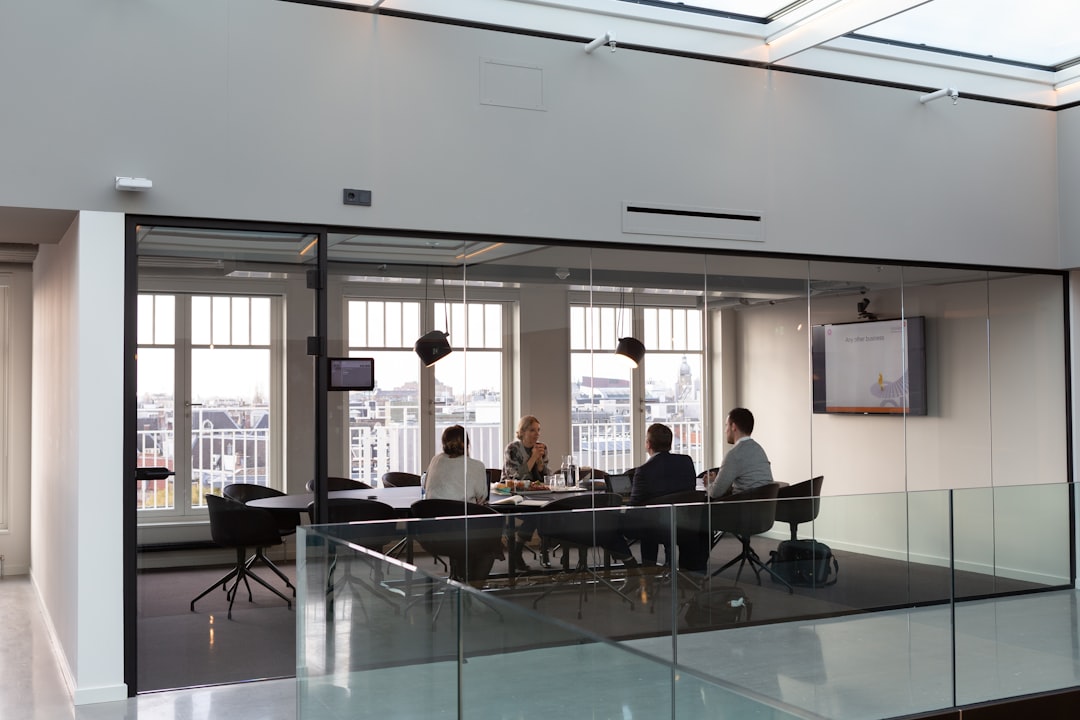
Looking to rent a conference room in Trophy Club? Learn what to check before you book—space, AV setup, and what most venues leave out.
Trophy Club sits close enough to the DFW metro that it draws professionals who want a quieter, more controlled meeting environment than a downtown hotel can offer. If you're organizing a quarterly review, a client presentation, or a half-day training session, renting a conference room in Trophy Club looks straightforward on the surface—call a hotel or coworking space, confirm availability, hand over a card. But the room itself is rarely the whole story. What's actually in that room, how it performs under pressure, and what happens when something doesn't work are questions most organizers don't ask until they're standing in front of a room full of attendees with a flickering projector and no backup plan.
What the Venue Listing Usually Leaves Out
Most conference room listings in the Trophy Club and Westlake corridor describe square footage, seating capacity, and catering options. What they rarely specify is the actual condition of the AV equipment included in the rental—or whether what's listed as "included" is sufficient for your specific meeting format.
A room rated for 20 people may have a single 65-inch display that works fine for a casual standup but washes out completely during a client-facing slide presentation. The speakerphone on the table may handle two-person calls but break apart when you add a hybrid audience. Built-in microphones, if present at all, are often tuned for the room at 40% capacity, not 90%.
None of this is necessarily the venue's fault. Conference rooms are built to satisfy a broad range of users. Your meeting has specific requirements that a general-purpose room may not meet by default.
The Problems That Surface on the Day
The friction points that derail conference room rentals tend to cluster around three situations: hybrid meetings, formal presentations, and training sessions with multiple speakers.
In a hybrid meeting, the core challenge is two-way intelligibility. Remote participants need to hear every voice in the room—not just the person closest to the speakerphone. In-room attendees need to hear remote speakers without straining. A single built-in unit rarely handles either direction well in a room larger than a small huddle space.
Formal presentations amplify projection and screen issues. If the venue's display is fixed to one wall and your seating runs perpendicular to it, attendees on the ends of the row see a skewed image. Rooms without blackout capability can make even a bright projector hard to read by midday.
Training sessions with multiple presenters add microphone handoff to the problem list. Passing a single wired mic between four presenters while managing Q&A from the room is a logistics problem that compounds every time someone fumbles the cable.
What's Actually at Stake
A missed slide, a muffled question from a remote VP, a training session where half the room couldn't hear the presenter—these aren't just inconveniences. In a client-facing context, they signal that you didn't prepare. In an internal context, they erode the credibility of whoever organized the meeting.
Budget waste is the other real consequence. A conference room that costs $400 for a half-day feels efficient until you spend $200 on a last-minute A/V workaround that still doesn't fully solve the problem. The cost of under-equipped space shows up in productivity and perception, not just the invoice.
How to Close the Gap Before the Meeting Starts
The most reliable approach is to separate the venue decision from the AV decision. Book the room for what it actually provides—square footage, location, tables, chairs, parking. Then spec the AV independently and bring in what the meeting actually needs.
For a hybrid meeting in Trophy Club, that typically means a portable PA system or powered speaker for in-room audio reinforcement, a wireless microphone kit so every presenter and questioner can be heard clearly on both ends, and a laptop-ready display setup if the room's built-in screen isn't adequate for your content.
For a formal presentation, a high-lumen projector with a portable screen gives you control over image size and placement regardless of how the room is laid out. You're not dependent on wherever the venue mounted its television.
For multi-speaker training sessions, a two-channel wireless mic system—one handheld, one lavalier—lets presenters move freely and keeps Q&A clean without anyone managing cables.
EventGear PDX serves event organizers throughout the Portland metro, but if you're planning a meeting in the DFW area, the same principle applies wherever you are: equipment delivered and tested before attendees arrive, and support available if something needs adjusting on the day. The goal is that the room performs the way your meeting requires, not the way the venue's spec sheet describes.
Frequently Asked Questions
Get the Right Setup for Your Meeting
If you're organizing a meeting in the Portland metro and the venue's AV isn't the right fit, contact EventGear PDX with your room dimensions, headcount, and meeting format. We'll recommend the specific equipment your setup needs and confirm delivery before your event date.