
Blog
- how-to
- equipment
Projection Equipment Guidelines Every Presenter Should Know
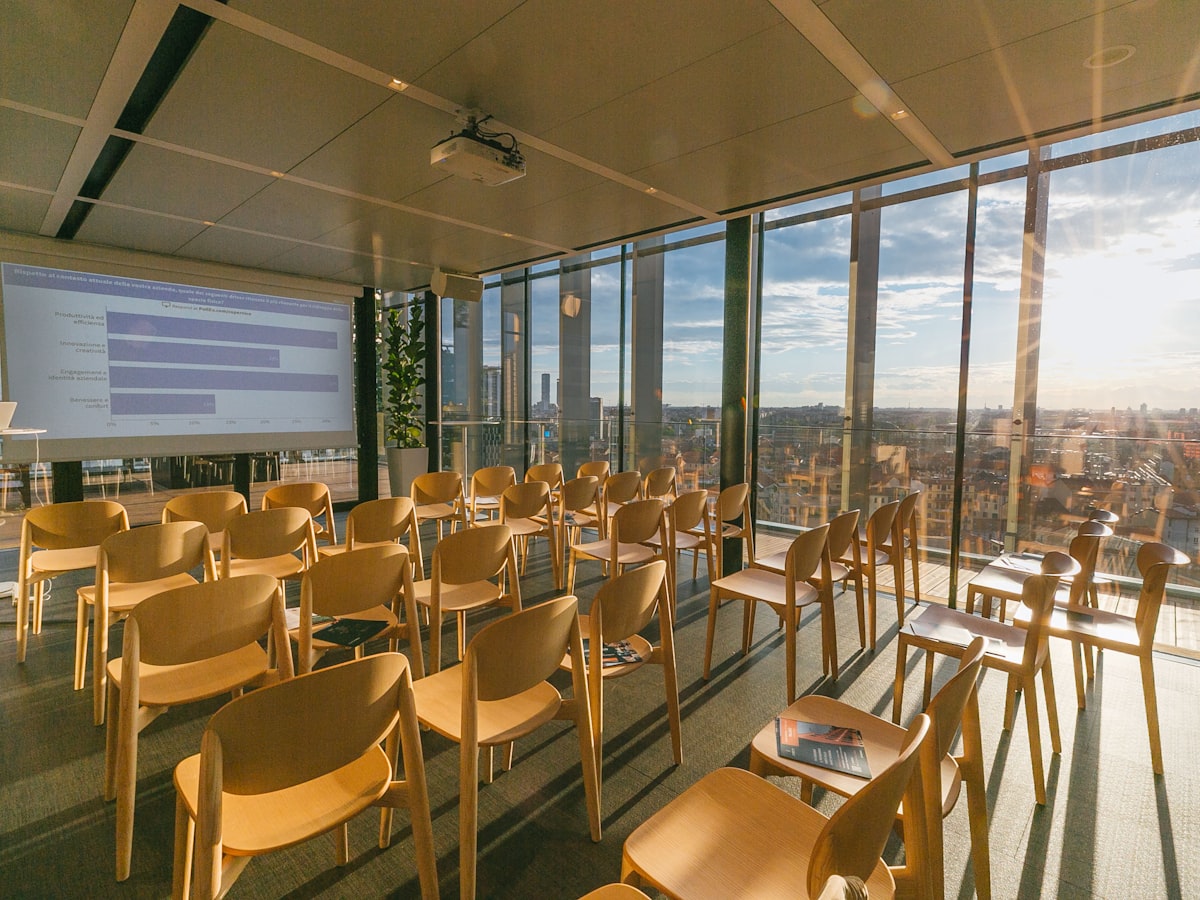
Practical guidelines for using projectors during presentations — brightness, screen sizing, connections, and what to check before you go live.
Picture a mid-morning slot at a two-day conference. You've got 20 minutes, a slide deck with product photos and a couple of charts, and a room you've never presented in before. The projector is already mounted, someone hands you an HDMI cable, and you have about four minutes before the previous speaker wraps up. This is the moment most presentation problems actually get decided — not during slide design, but in the setup you didn't fully control.
Ambient Light Will Wash Out More Than You Expect
A projector rated at 3,000 lumens looks perfectly bright in a dim demo room and disappointing in a hotel ballroom with windows or overhead fluorescents left on. Most presenters underestimate how much ambient light competes with the image, especially on white or pastel slide backgrounds where contrast disappears first. If you can't control the room lighting — and in banquet halls and multi-purpose rooms, you usually can't — the projector's lumen rating needs to match the room, not the other way around. This is worth confirming before the event, not during the sound check.
Screen Size and Viewing Distance Have to Match the Room
A screen that looks generous up close can be unreadable from the back row. The rule of thumb AV techs use is that anyone seated should be no farther than roughly 6 times the screen's height for detailed content like text-heavy slides or spreadsheets, and up to 8 times for simple images or video. If your room seats 150 people in rows stretching 60 feet back, a 6-foot screen won't cut it regardless of how sharp the projector's image is. Screen size is a room-layout decision, made before you pick a projector.
Implication: A Mismatch Doesn't Just Look Bad, It Costs You the Room's Attention
When the image is too dim or the text too small, people don't ask you to fix it — they just stop watching the screen and start looking at their phones. You lose the visual half of your presentation and end up narrating charts nobody can actually read. Worse is the scramble that happens when a cable doesn't match the laptop's output or a resolution setting doesn't sync, burning five minutes of a twenty-minute slot while the room waits. None of this reflects on the quality of your content — it reflects on setup decisions made days earlier.
Match Equipment to the Room, Not the Other Way Around
The fix starts with treating projection as a room-specific calculation. Ask for the room's dimensions and expected lighting conditions before choosing equipment, then match lumen output and screen size accordingly — a well-lit ballroom generally calls for 4,000+ lumens and a screen sized to the back row, not the front. Bring or request adapters for HDMI, USB-C, and VGA, since not every venue's inputs match every laptop. At EventGear PDX, every projector and screen is tested before it leaves our Portland facility, and we can advise on lumen and screen-size matching for your specific venue when you book.
Confirm Connections and Run a Live Test, Not Just a Power-On Check
A projector powering on doesn't confirm it works with your setup. Plug in your actual laptop, load your actual slide deck, and check color accuracy and text sharpness at the back of the room — not just from the podium. If you're using a remote clicker, test its range from where you'll actually stand. This ten-minute check, done the morning of the event rather than during the changeover, is what actually prevents a stalled start.
Frequently Asked Questions
The Takeaway
Projection problems are almost always decided before the presentation starts — by the lumen rating chosen for the room's actual light, the screen size matched to the farthest seat, and whether someone tested the real laptop with the real cable. Treat these as setup requirements, not afterthoughts, and the technology stays out of the way of the message you're actually there to deliver. If you're planning a Portland-area event and want equipment matched to your room in advance, EventGear PDX can help you size it correctly before the day arrives.