Blog
- event-planning
- corporate
What Meeting Space Options in Beavercreek, Ohio Include AV Equipment?
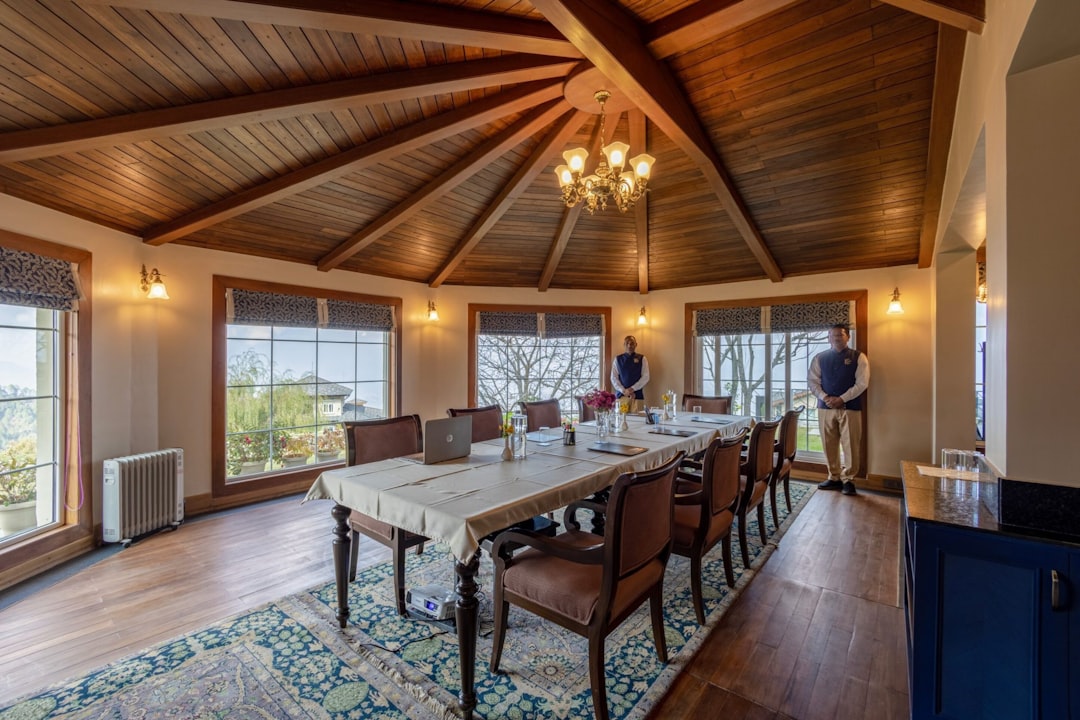
Planning a meeting in Beavercreek, OH? Learn which venue types include AV equipment, what's usually missing, and how to fill the gaps before your event.
If you're coordinating a meeting in Beavercreek, Ohio — whether it's a corporate training, a government briefing, or a nonprofit board session — one of your first practical questions is what the venue actually provides. "AV included" appears on a lot of venue listings, but what that phrase covers varies considerably. A wall-mounted TV and a Bluetooth speaker are technically AV equipment. So is a 4,000-lumen laser projector with a wireless mic system and a confidence monitor. Knowing which type of setup you're walking into — and what gaps you'll need to fill — is the difference between a meeting that runs smoothly and one where you're troubleshooting HDMI adapters while attendees check their phones.
What Beavercreek Venues Typically Offer
Beavercreek sits within the Dayton metro, and its meeting venues reflect that mid-size market: a mix of hotel conference rooms, dedicated event centers, corporate co-working spaces, and municipal facilities. Most fall into one of three categories when it comes to built-in AV.
Hotel conference rooms — Properties along the N. Fairfield Road corridor and near the Greene Town Center typically offer basic built-in displays, a house sound system, and a single wired microphone or none at all. These setups work for small internal meetings but start to show their limits as headcount grows past 30 or when presentations need to be seen clearly from the back of the room.
Dedicated event centers and banquet halls — These venues often have more capable projection systems and ceiling-mounted speakers, but the equipment may be aging, and staff support during your event is not always guaranteed. You may get a laminated one-page instructions sheet and a phone number to call if something breaks.
Corporate co-working and flex spaces — These are growing in the Beavercreek area and tend to offer modern displays and videoconferencing hardware optimized for hybrid meetings. They're well-suited for smaller groups but rarely have the speaker coverage or microphone capability needed for presentations to audiences larger than 20.
The Problems That Catch Planners Off Guard
The gap between "AV included" and "AV sufficient for your meeting" is where most problems live.
The most common friction points:
- Screen size relative to room depth. A 65-inch display is adequate for a 10-person conference table. It is not adequate for 60 attendees seated in rows. Planners frequently discover this the day of the event when the person in row four can't read the slide text.
- Microphone coverage in larger rooms. Many venues provide one handheld mic, if any. Panel discussions, Q&A sessions, and training formats with audience participation require multiple wireless units or a lavalier kit for the presenter.
- No technician on site. Built-in AV means the system is there. It doesn't mean anyone will be available to troubleshoot a signal dropout, switch inputs, or adjust audio levels mid-session.
- Incompatible connections. Older venue projectors may lack HDMI or USB-C inputs. Presenters discover this at setup, not during their walkthrough.
What's at Stake When the Setup Falls Short
A meeting that loses 15 minutes to AV troubleshooting doesn't just waste time — it sets a tone. For corporate trainings, that credibility loss affects how attendees receive the content that follows. For client-facing presentations, it signals disorganization at the moment you most need to project competence.
For government agencies and nonprofits operating on tight schedules, a technical failure mid-session can mean rescheduling — which has its own budget and logistical costs. And when a presenter travels from out of town, there's no practical recovery from a setup that doesn't work.
How to Fill the Gaps Before Your Event
The practical approach is to audit the venue's AV inventory against your specific meeting format before you confirm the booking — not after.
Ask the venue:
- What is the throw distance and screen size of the projection system?
- How many microphone inputs does the system support?
- Is technical staff available during our session?
- What are the video input options (HDMI, USB-C, VGA)?
Once you know what's missing, supplemental AV rental fills the gap precisely. For a 60-person training at a Beavercreek hotel, that might mean a large-format projection screen, a PA speaker with a wireless mic kit, and a confidence monitor for the presenter. For a panel session at an event center, it might be two additional wireless handhelds and a small mixer.
EventGear PDX serves the Portland metro, but this planning framework applies wherever you're sourcing equipment. The principle is the same: match the rental spec to the room and the format, not to a generic package.
If you're running an event in the Portland, Oregon area — including corporate meetings in Beaverton, Hillsboro, or Tigard — EventGear delivers pre-tested equipment, handles setup, and has local technicians available when your session can't afford a technical failure.