Blog
- corporate
- equipment
Meeting Rooms with AV Equipment in Burnaby: What Planners Need to Know
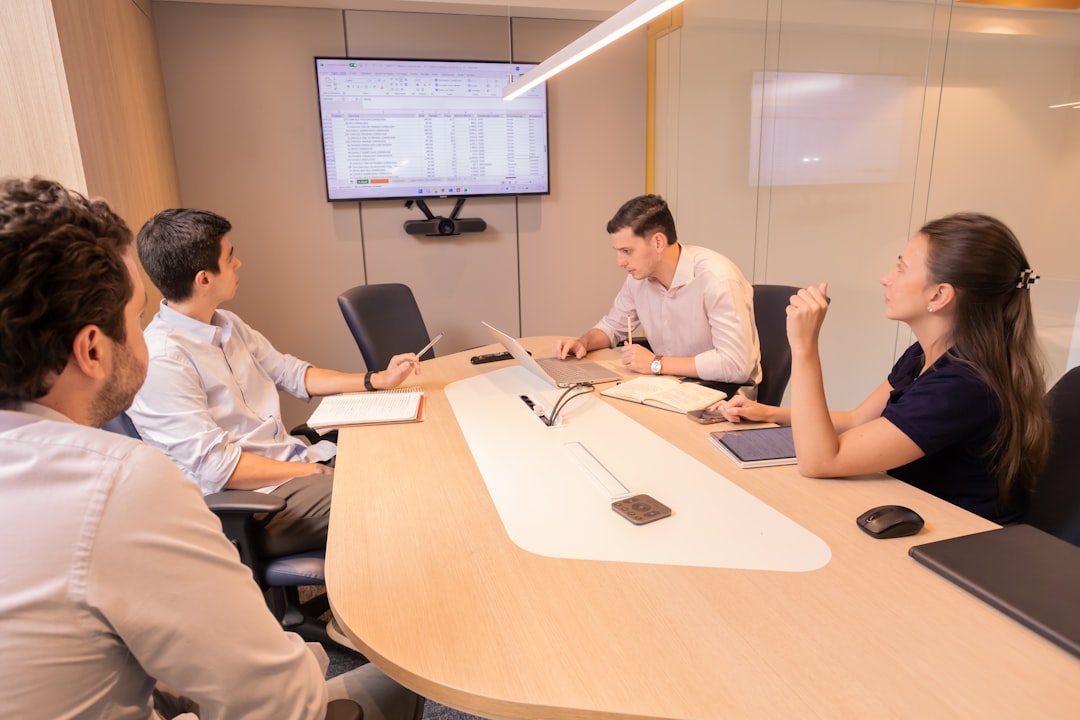
Planning a meeting in Burnaby? Learn what AV equipment your venue may lack—and how to close the gap before your presentation falls apart.
You've booked a meeting room in Burnaby—MetroTower, a hotel boardroom near Brentwood, or a conference suite in the Edmonds area—and the venue listing says AV is included. What that usually means in practice is a wall-mounted display, a single HDMI cable, and a speakerphone from 2016. If you're running a half-day training, a client presentation, or a multi-speaker panel, that baseline setup stops being adequate the moment your first presenter plugs in. For groups coming in from Portland or coordinating cross-border events between the Lower Mainland and the Oregon metro, knowing exactly what AV gaps to expect—and how to fill them before the morning of—is the difference between a polished event and a visible scramble.
What "AV Included" Actually Means in Most Burnaby Meeting Rooms
Burnaby's commercial meeting spaces range from hotel boardrooms along Kingsway to convention-adjacent suites near the Metrotown corridor. Most of them advertise AV as a standard amenity. In practice, that typically covers a single flat-panel display (60–75 inches), one HDMI input, and a basic conferencing unit built into the table.
For a six-person internal update, that's fine. For anything else—a 30-person training session, a client-facing pitch with multiple presenters, a panel discussion where speakers need to move around—that setup creates friction at nearly every step.
The display is too small for rooms that seat more than 12. The single HDMI input means presenters are swapping cables between slides. The built-in audio barely covers a room with soft furnishings and background HVAC noise. And none of it is configured for live streaming or recording, which is now a standard expectation for corporate events.
The Problems That Surface on the Day
The most common failure point in Burnaby meeting rooms isn't broken equipment—it's equipment that was never adequate for the actual use case.
Visibility gaps. A 75-inch display loses legibility past the third row in a rectangular room. Attendees in the back are squinting at slide text or simply disengaging. If your content depends on data visualization, contract terms, or anything detail-dense, this matters.
Audio drop-off. A tabletop conferencing unit picks up voices within two to three feet. Remote attendees on a hybrid call hear fragments. Live attendees in a larger room lose the thread when a speaker steps away from the table.
Presenter logistics. When three people are presenting in sequence and all three are running different laptops, a single HDMI cable becomes a recurring interruption. Every swap costs 90 seconds and costs you the room's energy.
No contingency. Venue-owned AV has no backup. If the display input fails or the conferencing unit drops, the venue's response is usually a call to their facilities team—which takes time you don't have mid-session.
What's at Stake When the Setup Doesn't Match the Event
A presentation that's hard to see or hear doesn't just inconvenience your audience—it shifts their attention from your content to the technical problem. That's a real cost in a client meeting. In a training session, it's a direct hit to retention. In a leadership offsite, it signals to your team that the logistics weren't taken seriously.
For cross-border events where Portland-based teams are presenting to Burnaby counterparts (or vice versa), the stakes are higher. You're asking people to travel or dial in from a distance. The production quality of the room reflects directly on the organizing team.
Most of these problems are invisible during venue site visits because the room is empty and the display looks fine at close range. They only become obvious when 25 people are seated and the second presenter is asking if everyone can see the back row of the table.
How to Close the AV Gap Before You're On-Site
The practical answer is supplemental rental equipment brought in ahead of the event—not as a backup, but as the primary setup for anything the venue can't reliably provide.
For rooms seating 20–50 people, a short-throw projector and a 120-inch screen replaces the wall display entirely and makes every seat a good seat. For presenter transitions, a wireless presentation switcher eliminates cable swaps between laptops. For hybrid calls and live audio, a portable PA system with a wireless microphone covers both the room and the remote feed cleanly.
EventGear PDX serves the Portland metro and regularly coordinates equipment delivery for events across the region, including cross-border corporate gatherings in the Lower Mainland. Equipment is tested before departure, delivered on a confirmed schedule, and available with on-site technician support when the event complexity warrants it. Same-day and next-day availability means a late-confirmed meeting doesn't have to mean an under-equipped one.
If your Burnaby venue is providing the room and the chairs, bring your own signal chain. It's the one variable you can actually control.
Frequently Asked Questions
Get the Right Setup for Your Burnaby Meeting
If you're coordinating a corporate meeting or training session in Burnaby and need reliable AV beyond what the venue provides, contact EventGear PDX with your date, room dimensions, and expected headcount. We'll confirm what equipment makes sense and handle delivery on your schedule.