Blog
- corporate
- equipment
Meeting Room Technology Fort Worth: What Event Planners Actually Need
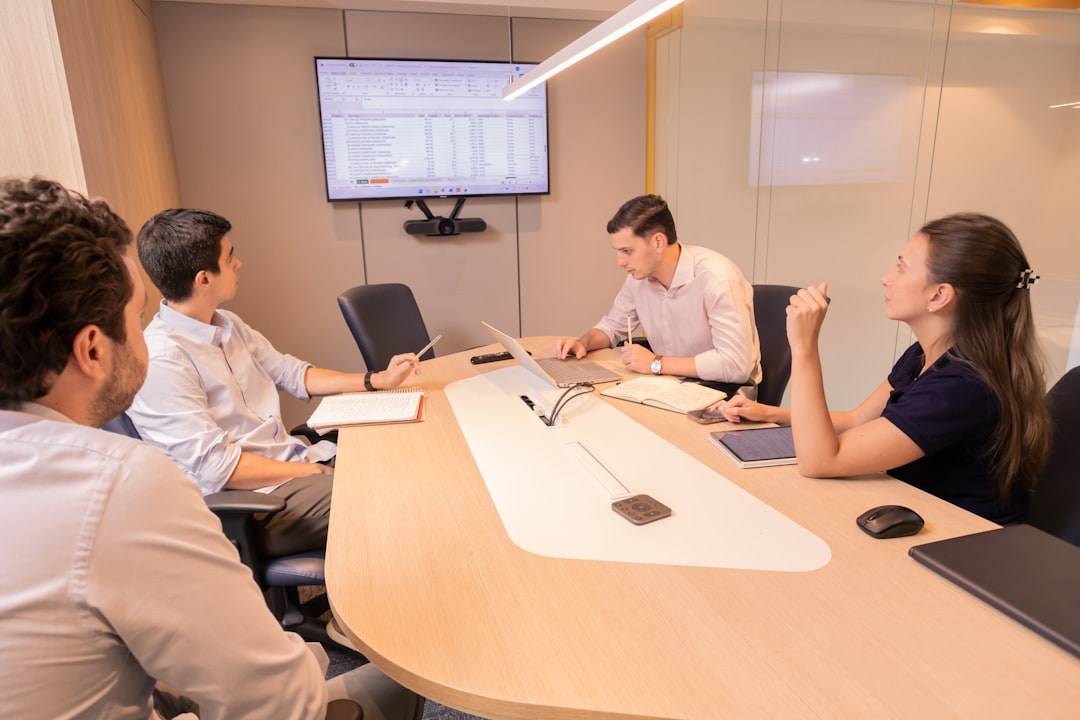
Planning a meeting in Fort Worth? Learn how to choose the right meeting room technology—projectors, PA systems, and mics—for professional results.
You've booked the room, confirmed the agenda, and sent the calendar invites. Now comes the part that quietly determines whether the meeting works: the technology. Meeting room technology in Fort Worth varies widely by venue—some hotel conference rooms come equipped with reliable built-in AV, while others hand you a HDMI cable and wish you luck. If you're coordinating a board presentation, a leadership offsite, or a client-facing session at a venue in the Fort Worth area, understanding what you actually need—and what gaps to fill—can be the difference between a meeting that runs cleanly and one that starts with fifteen minutes of fumbling.
What Meeting Room Technology in Fort Worth Usually Looks Like
Most Fort Worth conference venues fall into one of two categories: full-service hotel ballrooms with built-in AV managed by an in-house team, and smaller independent meeting spaces that offer the room but not the gear. Even full-service venues often charge premium rates for AV add-ons, and their standard packages may not match your specific format—a town hall with roving Q&A has different requirements than a closed executive briefing.
If you're renting a venue at a co-working space, a restaurant private room, or a standalone event center, assume you're responsible for your own technology setup. That's true whether you're hosting 15 people or 150.
The Problems That Derail Fort Worth Business Meetings
The most common failure point isn't the projector—it's audio. A room that seats 40 people with no PA system forces your presenter to project over HVAC noise and ambient chatter. Attendees in the back miss critical information. In a client presentation or executive session, that's not just uncomfortable—it reads as unprepared.
The second failure point is display quality. A 65-inch TV screen is adequate for a huddle room of eight. Put it in front of 30 people in a rectangular conference room and half the attendees can't read the slides. Fort Worth venues that advertise "AV included" often mean exactly that: one flat-panel display, positioned for the front third of the room.
The third issue is wireless microphone coverage. Panel discussions, Q&A sessions, and training events all require the ability to pass a mic or clip a lavalier to a presenter who moves. A handheld mic on a fixed stand doesn't solve that problem.
What's at Stake When the Setup Fails
A meeting that starts ten minutes late because of AV troubleshooting sets a tone. In a client-facing context, it shifts attention from your content to your logistics. In an internal leadership meeting, it signals disorganization to the people you most need to project confidence to.
Beyond first impressions, poor audio means information doesn't land. Attendees who strain to hear disengage faster, retain less, and leave with incomplete understanding of decisions made in the room. For training sessions or policy rollouts, that has real downstream consequences. Renting the wrong setup—or assuming the venue will handle it—is a risk with measurable outcomes.
How to Build the Right Setup for Your Meeting
The right meeting room technology package starts with three questions: How many people are attending? What's the room layout? And does the presenter move or stay fixed?
For meetings of 20–80 attendees in a standard rectangular conference or banquet room, a professional short-throw or standard-throw projector paired with a 100–120 inch projection screen gives every seat a clean sightline. That's a meaningful upgrade over a flat-panel display for anything over 25 people.
For audio, a compact PA system with one or two satellite speakers handles rooms up to 80 people without overwhelming the space. Add a wireless handheld or lavalier kit for any session where the presenter moves, or where you're running audience Q&A. If you're expecting breakout discussions, a second wireless mic on a stand gives moderators flexibility.
EventGear PDX serves the Portland metro area and can be a model for what to look for in a local AV rental provider in any market: equipment that's tested before delivery, on-time arrival at the venue, and the option to have a technician handle setup so your team focuses on the meeting itself—not the gear.
Frequently Asked Questions
Get the Right Setup Before the Meeting Starts
If you're organizing a corporate meeting, client presentation, or leadership session in the Fort Worth area and your venue's AV situation is uncertain, reach out to a local AV rental provider with your attendee count, room dimensions, and event date. A 15-minute conversation will tell you exactly what you need—and what you don't.