
Blog
- corporate
- how-to
Working Out What AV Your Meeting Actually Needs
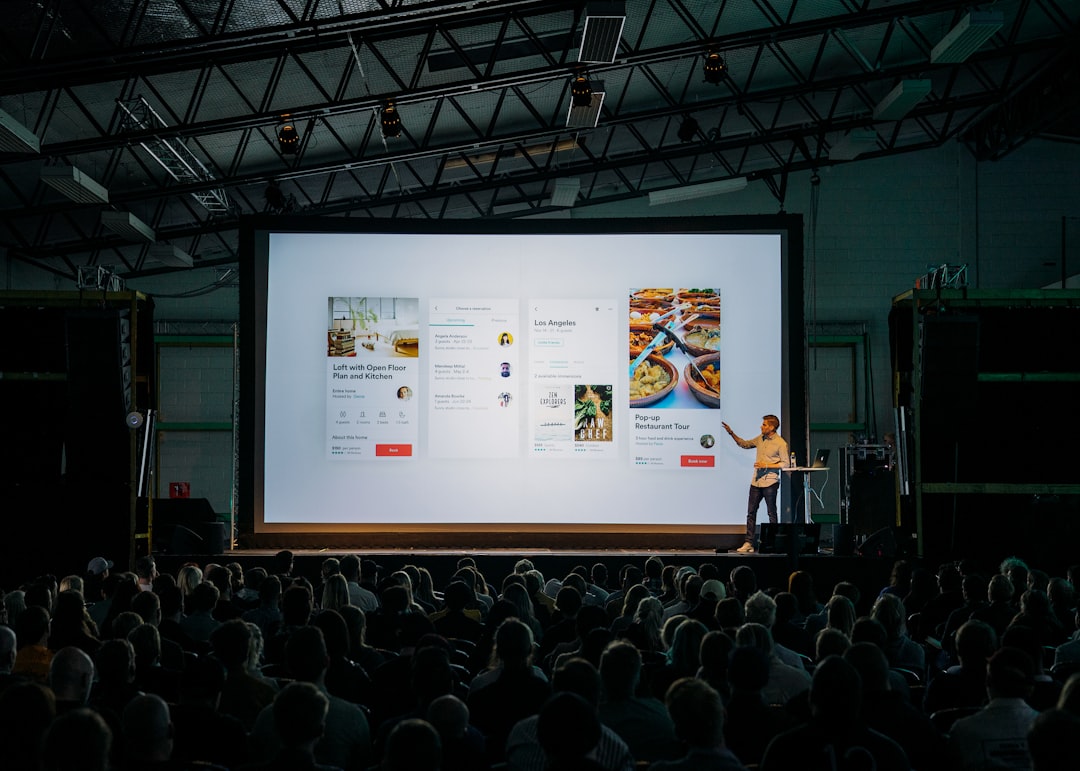
A short method for turning a room and an agenda into an equipment list — before anyone quotes you for equipment you may not need.
There's a version of this question that can't be answered — "what AV do I need for 60 people?" — and a version that can. The difference is four facts about the room and one about the agenda. Work through them in order and the equipment list writes itself, including the parts people usually forget.
1. How Far Is the Back Row From the Screen?
This decides screen size, and screen size decides the projector. Measure or pace the room from where the screen will stand to the furthest seat. Then look at your slides: dense spreadsheets need a bigger screen than headline-and-image decks at the same distance.
If the room is wide and shallow rather than long, the constraint shifts to the seats at the edges, who see the screen at an angle.
2. How Much Daylight, and Can You Block It?
A room with blinds is a different problem from a room with a glass wall in the afternoon. The wall you project onto should be the one furthest from the windows; if that isn't possible, brightness has to make up the difference — and outdoors before dusk, projection may not be viable at all.
3. Does the Room Carry a Voice?
Stand at the front and talk at a normal volume; have someone listen from the back. Hard floors, glass, high ceilings, and HVAC noise all shrink the distance a presenter carries. Roughly speaking, past 20–25 people in an ordinary room, speech reinforcement stops being optional.
4. Who Speaks, From Where?
Microphone count comes from the agenda, not the guest list:
- One presenter, fixed position: one handheld or lectern mic.
- A presenter who moves: a lavalier or headset.
- A panel: one per speaker — passing a single mic down a table kills the pace.
- Questions from the floor: a dedicated handheld.
5. Is Anyone Remote?
If yes, the room's audio has to be captured by microphones and mixed into the call, and the call has to be audible in the room. A laptop on the table doing both jobs is where hybrid meetings fail. Add a camera positioned so remote attendees see the presenter rather than the backs of heads.
The Parts That Get Forgotten
Adapters for the actual laptops presenting. A spare microphone, because one will misbehave. Power that isn't shared with catering. Cable runs taped where people walk. Setup time long enough to test with the real deck. And someone in the room to fix things while the event runs — on our bookings that technician is included, along with delivery, setup, testing and strike, for events up to about 100 people.
Frequently Asked Questions
The Takeaway
Five questions — back-row distance, daylight, how the room carries sound, who speaks, and who dials in — turn a vague "what do we need?" into a specific list. Everything else is detail, and the detail is much easier to get right once those five are settled.