
Blog
- equipment
- tips
A Practical Guide to Evaluating AV Equipment Before Your Event
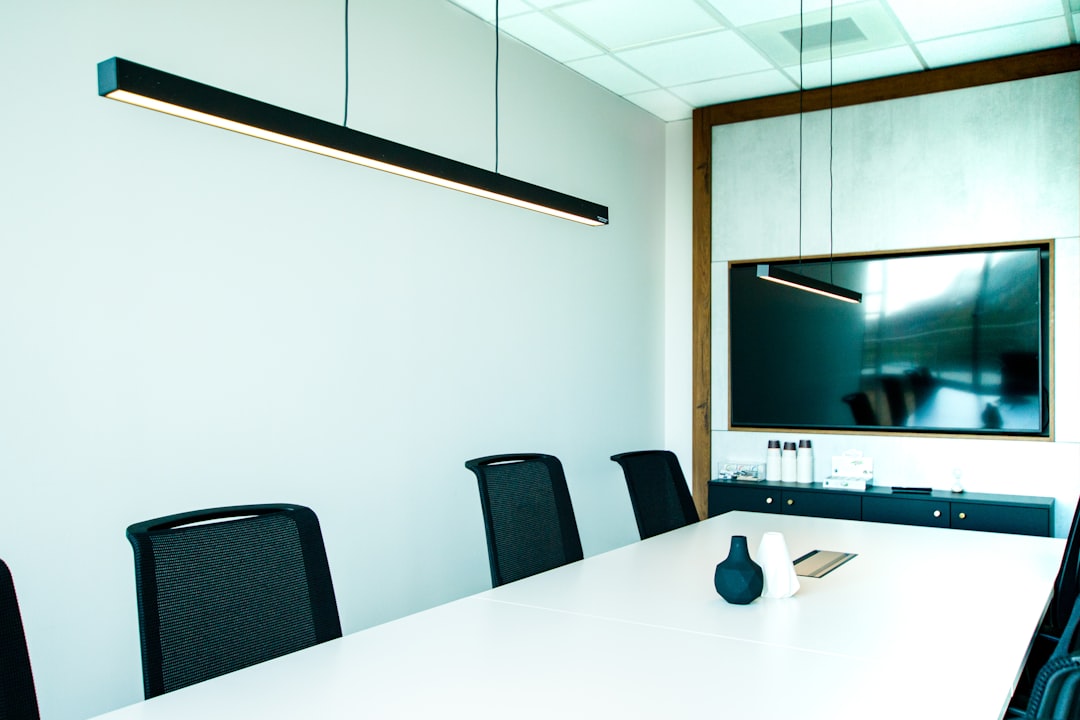
Learn how to evaluate AV equipment before your event: what specs matter, what to test, and how to avoid costly surprises on the day of your presentation.
You've confirmed the venue, locked in the agenda, and sent out invitations. Then someone asks: what's the AV situation? For corporate event planners and conference coordinators in Portland, that question can open a rabbit hole fast. Do you use the venue's built-in system? Rent your own? How do you even know if the equipment is adequate for your room size, audience, and content? Evaluating AV equipment isn't complicated once you know what to look for — but most planners only learn the hard way, after a presentation falls apart or a speaker goes unheard in the back row. This guide walks through exactly what to assess, in the order it matters, so you can make a confident call before the day of your event.
What "Good AV" Actually Means for Your Specific Event
The phrase "good AV equipment" is meaningless without context. A wireless lapel mic that performs flawlessly in a 40-person boardroom becomes inadequate the moment you move to a 300-seat ballroom. A 3,500-lumen projector that looks sharp in a dim breakout room washes out completely under the fluorescent lights of a hotel pre-function space.
Before evaluating any piece of equipment, define your event's actual requirements:
- Room size and layout — square footage, ceiling height, fixed seating versus open floor
- Ambient light conditions — windows, ceiling lighting, time of day
- Audience size — how many people need to hear and see clearly
- Content type — slides, video playback, live streaming, panel discussion, keynote
- Speaker count and format — one presenter, multiple panelists, Q&A with roaming mics
These parameters determine the minimum spec thresholds for every piece of gear you evaluate. Without them, you're comparing equipment in a vacuum.
The Four Areas That Cause the Most Problems
Projection and Display
Lumen output is the number most planners underestimate. For a controlled, low-light environment, 3,500–5,000 lumens is workable. For a room with natural light or overhead fluorescents you can't fully dim, you need 6,000 lumens or more. Check the throw distance against the screen size — a projector placed too close to a large screen produces a dim, soft image even at high lumen ratings.
Also confirm the projector's native resolution matches your presenter's laptop output. A mismatch between 1080p content and an XGA projector means degraded text sharpness — a real problem for slides with data tables or fine print.
Audio and Sound Coverage
The most common failure at corporate events isn't a broken mic — it's uneven sound coverage. A single speaker cluster aimed at the front half of the room leaves the back rows straining. Evaluate PA systems by asking: how many speakers, where are they positioned, and what's the maximum room depth they're rated for?
For wireless microphones, verify the frequency band is licensed for use in Oregon and that the system supports the number of simultaneous channels you need. Two panelists sharing one mic is a presentation killer.
Cable Management and Signal Path
This one gets skipped entirely until something fails. Before your event, trace every signal path: laptop to switcher, switcher to projector, audio console to speakers, confidence monitor feed. Identify where adapters are required — HDMI to DisplayPort, USB-C to VGA — and confirm those adapters are physically present, not just assumed. A missing $12 adapter has derailed more presentations than equipment failure.
Equipment Age and Maintenance State
New-looking gear isn't the same as tested gear. Ask specifically: when was this equipment last serviced, and what's the failure protocol if something goes wrong during the event? Projector lamps degrade over time — a unit rated at 5,000 lumens at full lamp life may be delivering 3,200 after heavy use. Any reputable AV rental provider tests equipment before delivery and can confirm lamp hours remaining on projectors.
What to Ask When Renting AV Equipment in Portland
If you're renting from a local AV company rather than relying on a venue's in-house system, the evaluation conversation shifts. You're not just assessing specs — you're assessing the rental process itself.
Ask whether the equipment will be tested before delivery, not just pulled from a shelf. Confirm that delivery timing accounts for your venue load-in window, not just your event start time. If your conference runs a full day, ask whether a technician is available on-site or on-call if something needs adjustment mid-event.
For larger setups — full PA systems, multi-projector configurations, wireless mic arrays — request a channel-by-channel rundown of what's included and what requires additional rental. Gaps between what you assume is included and what's actually in the quote create expensive last-minute additions.
Frequently Asked Questions
Get the Right Setup Confirmed Before Your Event
If you've worked through this guide and still have open questions about your specific room, content, or audience size, describe your event to the EventGear PDX team. We'll review your requirements and recommend a tested, delivery-ready setup for your Portland-area venue — no guesswork on the day.