
Blog
- conference
- equipment
When the Venue's AV Isn't Enough: What to Check and What to Bring
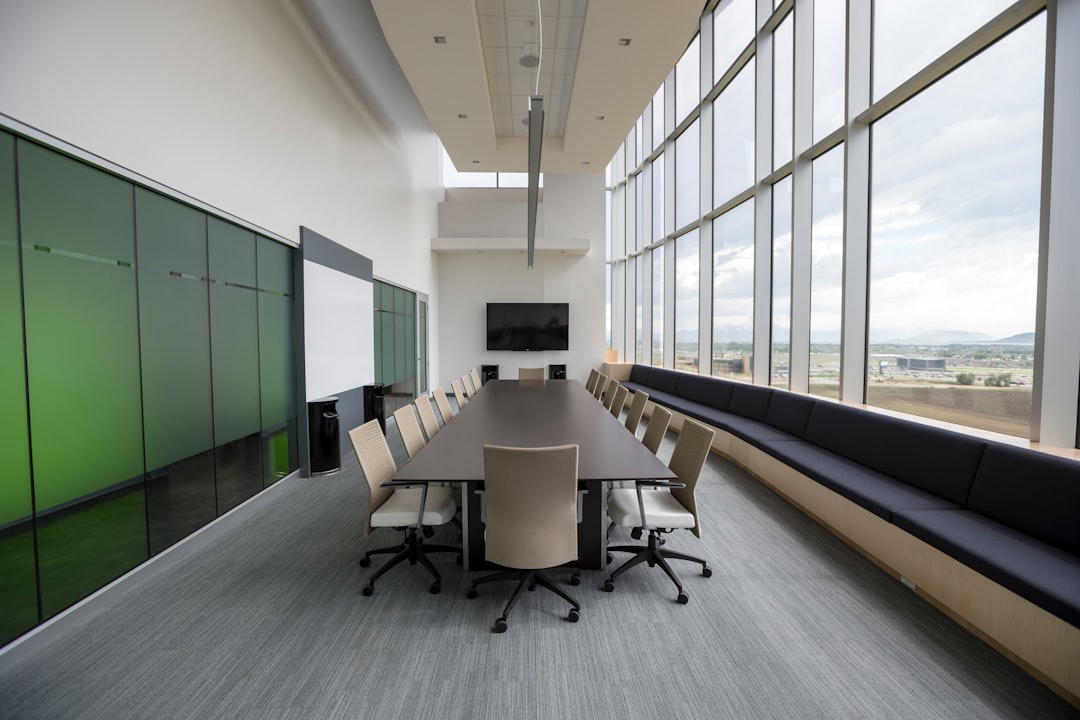
Your venue says AV is included. Here's how to find out what that actually covers, what it usually doesn't, and what to bring so your meeting or conference works.
The room comes with AV. That sentence appears in venue contracts across the Portland metro — hotel meeting rooms, conference centers, restaurants with a private room, university spaces — and it means something different at every one of them. Sometimes it means a ceiling projector and a screen. Sometimes it means a TV on a bracket and a single handheld microphone at the podium. Sometimes it means the venue's contracted AV company will quote you separately. The gap between what you assumed and what the room actually provides is usually discovered on the day, by a presenter standing in front of an audience.
Start With the Contract Question, Not the Equipment List
Before anything technical, ask whether the venue has an exclusive AV vendor and whether it charges a fee for outside AV. Hotels and conference centers frequently do; restaurants, wineries, and plain meeting rooms usually don't. This single answer decides whether you can bring anything in at all, and it belongs in the conversation before you sign, not after.
If outside equipment is allowed, the follow-up questions are about access: when the room is free for setup, what the load-in route looks like, whether there is a service lift, and who is on site to unlock doors. A room that only opens 45 minutes before guests arrive constrains what can realistically be set up and tested in it.
Get the Inclusions in Writing, Item by Item
"AV included" is not a specification. Four details decide whether the room works for your program:
How many microphones, and of what kind. A podium mic covers one presenter standing still. A panel of three plus a moderator plus audience questions needs five live channels. Most house systems provide one or two.
What the projector or display actually is. The number that matters is whether the furthest seat can read a slide, which depends on screen size and room light, not on the projector's brand. A wall-mounted TV that suits a boardroom of eight will not serve fifty people in rows.
What the house speakers are for. Many rooms have ceiling speakers designed for background music and paging, not for speech intelligibility at the back of a full room. Ask whether there is a way to feed a microphone into them at all, and whether an outside technician is permitted to do it.
Which inputs exist at the lectern. Presenters arrive with USB-C laptops, and plenty of venue lecterns still terminate in VGA or a single HDMI cable of unknown length. Adapters are a five-minute problem when someone anticipated them and a fifteen-minute one in front of an audience when nobody did.
The Gap Is Usually Sound and Hybrid Audio, Not Video
Video problems are obvious and get attention early. Audio problems are the ones that quietly end an event. A room with hard floors, glass, and a high ceiling swallows a presenter's voice well before the headcount justifies a PA on paper. Attendees at the back rarely complain — they just stop following.
Hybrid sessions make this worse. If remote attendees are joining, the room's audio has to be captured by real microphones and mixed into the call, and the call has to come back into the room without feedback. A laptop microphone on a table, which is what most venue setups amount to, gives the remote half an echo of a room and no audible audience questions. Before you rely on venue internet for that call, ask whether it is the same guest network the rest of the building is on, and whether a wired connection is available.
What Filling the Gap Looks Like
Supplementing a venue is not the same as replacing it. If the room's projector and screen are genuinely sized for the audience, use them. What usually needs to come in is the rest: enough wireless microphone channels for everyone who speaks, a speech-focused PA aimed along the room, a proper audio path into the video call, and the adapters that match the presenters' actual laptops.
EventGear PDX works this way for events up to around 100 people across the Portland metro. Every booking is full service: we deliver, set up, test the whole chain with your presenter and their slides, and a technician stays for the entire event to run it — then we strike and take everything out. Equipment is tested before it leaves, and availability depends on the calendar, so the earlier a date is confirmed, the more room there is to plan around a venue's load-in window. We don't provide LED walls, stage lighting, or staging.
Frequently Asked Questions
The Takeaway
A venue that advertises AV is telling you a room has some equipment in it, not that your program will work. The questions that matter are whether outside AV is allowed, how many people actually need to be heard, whether the back row can read a slide, and who will be in the room running it when something needs adjusting. Answer those before you sign, and the gap between the contract and the event day stops being a surprise. If you have a venue booked and aren't sure what it really covers, send us the room details and we'll tell you what's missing.