Blog
- corporate
- event-planning
Beavercreek OH Meeting Space with AV Equipment: What to Verify Before You Book
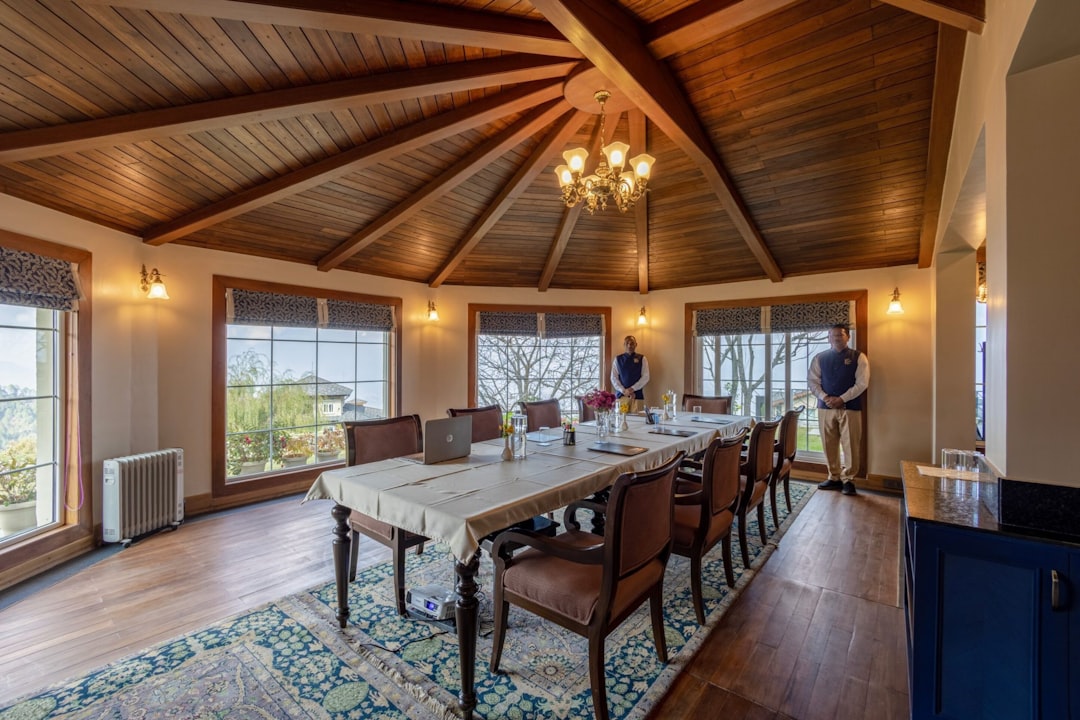
Planning a meeting in Beavercreek, OH? Learn what to verify before you book a venue and how to fill AV gaps before they derail your event.
You've found a meeting space in Beavercreek, OH that checks the right boxes — parking, capacity, location near the Greene or the I-675 corridor. The venue listing says AV equipment is included. That line in the amenities list sounds like one less thing to coordinate. In practice, it's the line that sends more corporate meetings sideways than almost any other. "AV included" can mean a wall-mounted television from 2016, a single handheld microphone with no receiver, or a projector that requires a VGA cable no one has brought since 2014. Before you sign the venue contract, there are four specific things worth verifying — and a fallback plan worth knowing if the answers come back wrong.
What "AV Included" Usually Means at Beavercreek Meeting Venues
Most mid-tier meeting spaces in the Dayton suburb corridor list AV as a standard amenity because they have something — not necessarily because that something will work for your event. Typical in-house setups include a fixed projector mounted too close to the screen for a bright image, a Bluetooth speaker that maxes out around 60 attendees before voices get lost, and a wireless microphone kit that the venue staff cannot troubleshoot if it cuts out.
This is not a criticism of the venues. AV infrastructure is expensive to maintain, and most hotels and conference centers treat it as a utility rather than a core service. The problem lands with the planner who assumed "included" meant "reliable."
The Four Questions to Ask Before You Sign
1. What is the projector's lumen output, and what is the room's ambient light level? A 2,500-lumen projector in a room with windows along one wall will produce a washed-out image. For a daytime meeting with any natural light, you need 4,000 lumens minimum. Ask for the projector model number and look it up.
2. What microphone system does the space provide, and how many channels? A single-channel handheld works for a one-speaker presentation. It does not work for a panel discussion, a Q&A session, or any meeting where two people need to speak simultaneously. Ask specifically how many wireless channels are available.
3. Who provides technical support during the event? Many venues will hand you a remote and a laminated instruction sheet. If the system goes down mid-presentation, that is your problem to solve. Ask whether a technician is on-site or on-call, and what the response time is.
4. What are the connectivity inputs? HDMI is standard now, but adapters for USB-C, DisplayPort, and older VGA connections are frequently missing. Ask what inputs are available and confirm that every presenter's laptop will connect without a hardware scramble.
What's at Stake When the AV Fails
A 90-minute corporate meeting that loses 20 minutes to microphone troubleshooting and a dim projector image is not a minor inconvenience. For a leadership offsite, a client presentation, or a compliance training session, the technical failure becomes the story people remember. Decision-makers in the room — the people you flew in or drove across the Dayton metro to impress — form their impression of your organization partly from how professionally the event was run. A presentation they could not hear or barely see is a credibility problem, not just a logistics one.
There is also a budget implication. Renting supplemental AV equipment at the last minute costs more than planning for it in advance, and availability is not guaranteed on short notice.
How to Fill AV Gaps Before They Become Day-Of Problems
If your venue audit turns up shortfalls — a projector that is underpowered, no second microphone channel, no on-site tech — the practical solution is supplemental rental from a company that serves the region.
EventGear PDX serves corporate clients throughout the Portland metro, but if you are coordinating a meeting in the Beavercreek or greater Dayton area, the framework is the same regardless of provider: identify the gap, source the specific equipment, confirm delivery and setup logistics against your venue's load-in window.
For a typical Beavercreek corporate meeting, the gaps most often worth filling are:
- A higher-output portable projector (4,000–5,000 lumens) if the venue's fixed unit is underpowered
- A two- or four-channel wireless microphone system for panels or audience Q&A
- A compact PA speaker if the room seats more than 75 and the venue relies on a built-in ceiling speaker array
Book supplemental rentals at least five business days out. Confirm the venue's policy on outside equipment — most allow it, but some hotel properties require advance notice or restrict certain setups.
Frequently Asked Questions
Plan the AV Before You Confirm the Room
If you are coordinating a meeting in Beavercreek and want to talk through what equipment your specific agenda requires, contact EventGear PDX. Describe your room size, attendee count, and presentation format, and we will tell you exactly what you need — and whether your venue's existing setup is likely to cover it.