
Blog
- equipment
- how-to
AV Setup in Portland: How Working With Us Actually Goes
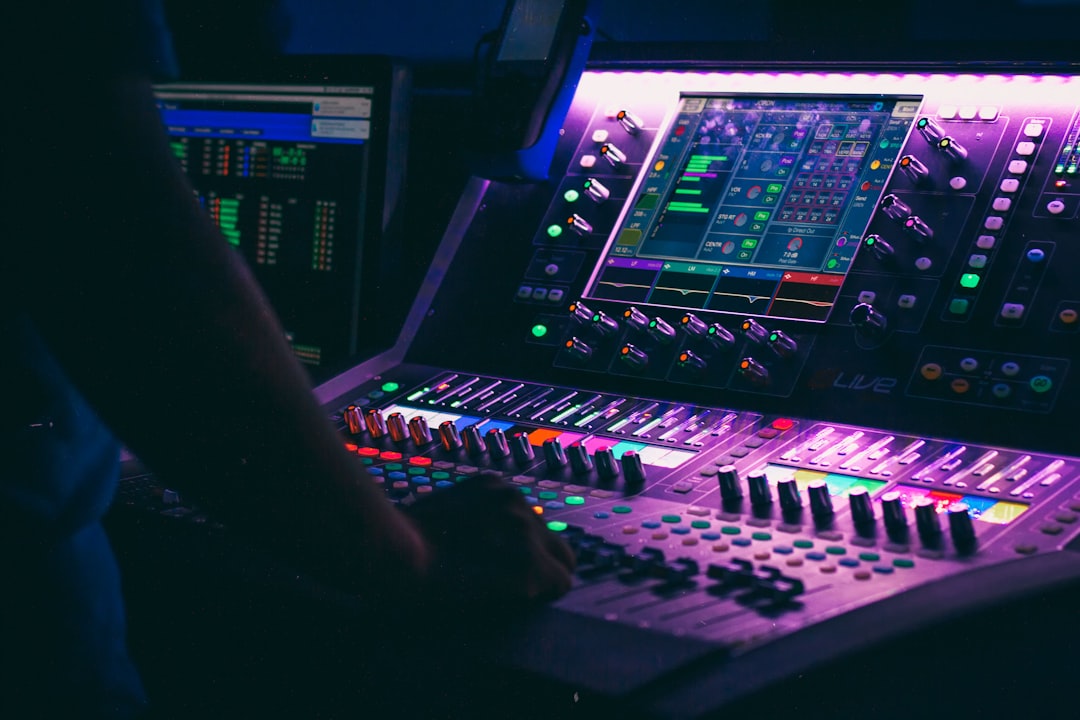
What EventGear PDX does for a Portland-area event from the first enquiry to strike, what we need from you, and what we don't do.
Most AV rental pages list equipment. This one describes the service, because the equipment is the easy part. We bring AV into rooms that don't have it — an office after the desks are moved, a rented hall, a restaurant's private room, a venue whose own system doesn't cover what the program needs — and we run it while your event happens. If you want the technical walkthrough of a setup instead, that's in AV setup for an event.
What a Booking Includes
Every booking is the same shape, because it's the only way we work:
- We bring the equipment, sized to your room and program.
- We deliver and set it up: screen, projector, PA, microphones, cabling, and hybrid audio if people are dialling in.
- We test the whole chain with your presenter and their actual slides.
- A technician stays for the entire event and runs the room — microphone changes, presenter swaps, audience questions, the thing that needs adjusting mid-session.
- We strike everything afterwards and take it away.
There is no pick-up option, no drop-off-only rental, and no "we'll drop it off and you plug it in." The setup and the person running it are the service.
What We Need From You
Six answers are enough to size a setup: how many people, the venue and room, the distance from the screen to the back row, how much daylight the room has, who speaks and whether the audience asks questions out loud, and whether anyone joins remotely.
Two more save trouble later: what hour the room is actually free for setup, and whether the venue has an exclusive AV vendor or charges a fee for outside AV. Hotels and conference centers often do; offices, restaurants and halls usually don't.
Where We Work
Portland, Beaverton, Hillsboro, Tigard, Lake Oswego, Gresham and Vancouver WA — roughly a 50-mile radius of Portland. Events up to about 100 people.
What We Rent
Video projectors and screens, PA systems with speakers and subwoofers, wireless handheld and lavalier microphones, and streaming and hybrid support with cameras for remote attendees.
We don't provide LED walls or video walls, stage or decorative lighting, staging, or DJ services. If your event needs those, you'll want a production company rather than us.
Timing and Availability
Availability depends on the calendar, so book as early as your date is fixed. We don't promise a specific turnaround, and we'd rather say no than take a booking we can't staff properly. Equipment is tested before it leaves, and the setup window is agreed against the venue's access rules rather than a standard slot.
Frequently Asked Questions
The Takeaway
If your room has no AV, or not enough of it, the practical question isn't which projector to rent — it's who will be standing in the room when the presenter's laptop won't connect five minutes before the start. Send us the room, the headcount and the run of show, and we'll tell you what the setup needs.