
Blog
- event-planning
- equipment
AV Setup for an Event: What Happens, and When
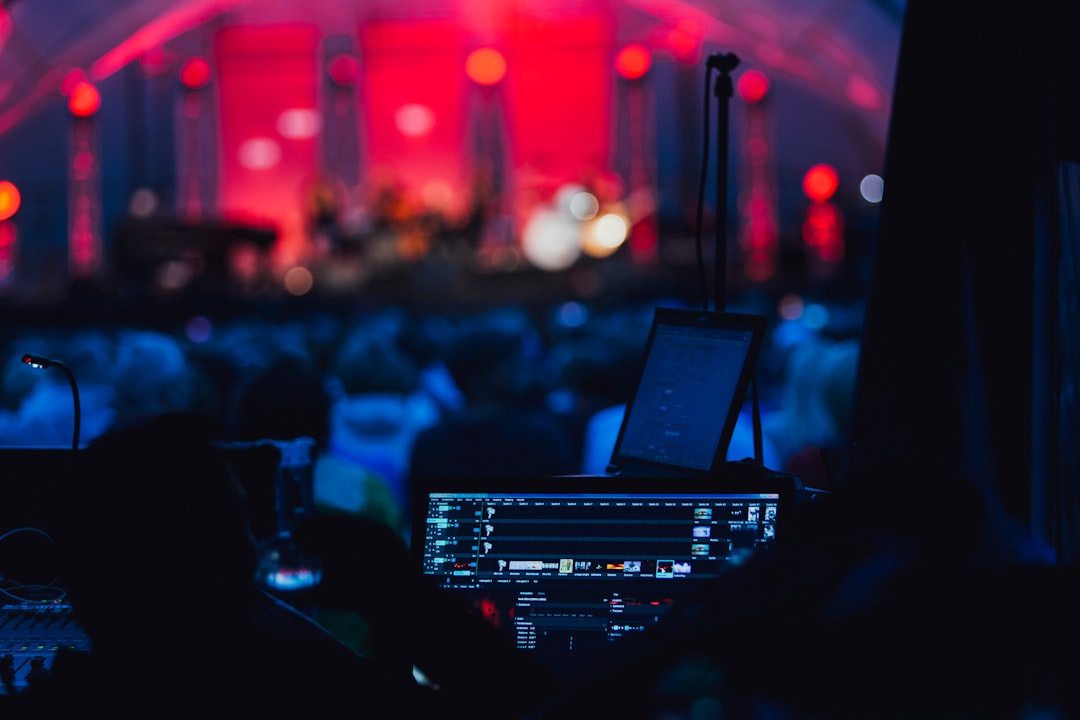
A walkthrough of an AV setup from the decisions made weeks out to the soundcheck twenty minutes before doors — and what has to be true at each stage.
An AV setup is not an hour of plugging things in on the day. It's a sequence: decisions that have to be made while the schedule is still flexible, a load-in that depends on the venue's rules, a build that follows the room's physical limits, and a test that has to happen with the real presenter and the real slides. When events go wrong, the cause is almost always something that belonged to an earlier stage than the one where it was noticed.
Weeks Out: The Decisions That Can't Be Made Later
Four things drive everything else: headcount, the distance from the screen to the last seat, how much daylight the room has and whether you can block it, and whether anyone joins remotely. These determine the screen size, the projector, whether the room needs speech reinforcement, and how many microphone channels the program requires.
Two venue questions belong here too, because they can invalidate the whole plan: whether the venue has an exclusive AV vendor or charges an outside-AV fee, and what hour the room is genuinely free for setup. Both are covered in more detail in our guide on what to do when the venue's AV isn't enough.
The Week Before: Program, Not Equipment
Who speaks, and from where? A seated panel, a presenter who walks, a moderator taking questions from the floor, and someone dialling in each need a different microphone and a different position in the room. Mic count comes from the run of show, not the guest count.
This is also when the laptop question gets settled: which machine is presenting, what ports it has, whether the deck lives locally or on a drive that needs the venue's Wi-Fi, and whether anyone else needs to present from their own laptop mid-session. Every one of these is cheap to solve in advance and expensive to discover live.
Load-In: The Venue's Constraints Take Over
Access decides the timeline. A service lift or a flight of stairs, parking at the door or a hundred metres away, a room that opens three hours before or forty-five minutes before — these set what is realistically possible, which is why the setup window gets confirmed before the equipment is packed.
The Build: Physical Reality of the Room
Screen goes where the audience already faces, ideally on the wall away from the windows. Speakers aim along the length of the room rather than across it. The projector sits at the throw distance the image size needs, on something stable, near power that isn't already carrying catering equipment. Cables that cross a walkway get taped down — a caught cable is the most common way sound dies mid-event.
If the room is being used for a meal or a reception first, the build has to work around the furniture that will be moved, not the furniture that is there now.
The Test: With the Real Presenter and the Real Deck
A test pattern proves the projector works. It doesn't prove your presentation works. The full chain gets tested with the actual laptop, the actual slides, the actual microphones, and where possible the actual presenter: image readable from the back row, speech clear at the far end, hybrid audio going both ways without feedback, and clicker in the presenter's hand so they know what it does before an audience is watching.
During and After
Someone needs to be in the room while it runs — for the microphone that starts cutting out, the presenter who swaps laptops between sessions, the question from the floor that needs a handheld carried over. Afterwards everything comes out, usually while the venue is already resetting the space for whatever comes next.
That's how we work: every booking includes delivery, setup, testing, a technician on site for the whole event, and strike afterwards. For events up to about 100 people around the Portland metro. There's no pick-up or drop-off-only option, and availability depends on the calendar, so early dates get more room to plan.
Frequently Asked Questions
The Takeaway
The setup that goes smoothly is the one where nothing was left to the day: the room was understood weeks out, the program decided the microphones, the venue's access rules shaped the timeline, and the chain was tested with the real deck before anyone sat down. Everything after that is just running the room.