Blog
- equipment
- how-to
AV Configuration: How to Set Up Audio and Video That Actually Works
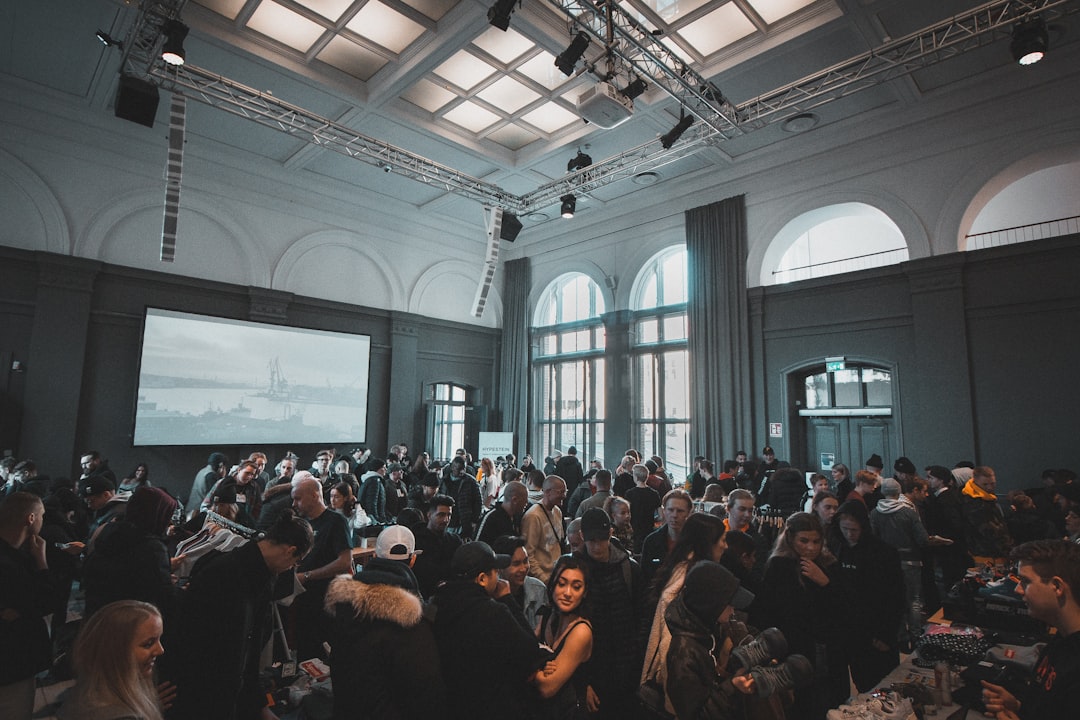
Wrong AV configuration kills presentations before they start. Learn how to set up audio and video correctly for your Portland event — and what to ask before rental day.
AV configuration is the step most event planners skip or hand off without clear instructions — and it's the step most likely to derail a presentation in the first five minutes. Getting the right equipment into the room is only half the job. How that equipment is wired, positioned, calibrated, and tested determines whether your audience hears the speaker clearly, sees the slides without washout, and stays engaged from the opening remarks through the final Q&A. This guide covers the core decisions involved in configuring AV for a corporate event or conference, what goes wrong when those decisions are made too late, and how professional rental support in the Portland metro eliminates the guesswork before your event starts.
What AV Configuration Actually Involves
Configuration is not just plugging things in. For a typical corporate event or conference, it includes speaker placement and coverage zone mapping, signal routing between sources (laptops, mics, playback devices), gain structure across the audio chain, display resolution and aspect ratio matching, projector throw distance and screen sizing, and cable management that keeps the setup reliable under real event conditions.
Each of these decisions affects the others. A projector positioned at the wrong throw distance produces a distorted image that no amount of digital zoom corrects cleanly. Speakers placed too close to microphones create feedback loops that interrupt the entire program. Gain set too hot on a wireless mic sounds fine during a quiet soundcheck and clips badly when the presenter raises their voice.
Most venues in Portland — hotel ballrooms, conference centers, university meeting rooms — have fixed architectural constraints: ceiling height, ambient light levels, wall materials that affect acoustics. Your AV configuration has to work within those constraints, not assume ideal conditions.
Where Configuration Problems Start
The most common source of AV failure is not bad equipment — it's a mismatch between the equipment selected and the configuration decisions made on-site.
A coordinator books a projector rated for a 200-seat room, but the screen is positioned against a window wall with afternoon sun cutting directly across it. A PA system sized for 150 people gets placed in a 40-foot-wide ballroom with hard floors and parallel walls, creating standing waves that make speech unintelligible past the third row. A lavalier kit is set up by venue staff unfamiliar with mic placement, resulting in clothing rustle that drowns out a keynote speaker.
These are not hypothetical scenarios. They are the predictable outcomes of treating AV configuration as a setup task rather than a technical decision that requires expertise and site-specific knowledge.
What's at Stake When Configuration Is Wrong
A misconfigured system does not announce itself as a technical failure — it shows up as a credibility problem for the organizer. When audio cuts in and out during a panel discussion, attendees blame the event. When slides appear washed out or cropped on screen, executives in the room notice before anyone on stage does.
For corporate clients, a failed AV configuration during an internal all-hands, a client-facing presentation, or a multi-speaker conference can undermine months of planning in under ten minutes. Budget recovered from a lower-cost AV approach disappears immediately when the event runs behind schedule because of a configuration problem that required live troubleshooting.
How Professional AV Rental Solves the Configuration Problem
Renting from a local AV provider changes when configuration decisions get made. Instead of arriving on event day with a projector, a cable bag, and an instruction manual, you work through the technical setup in advance — room dimensions, source inputs, audience size, ambient light, microphone count — so the system that arrives is already matched to the room.
For Portland metro events, EventGear PDX delivers equipment that has been tested before it leaves our facility. When local technician support is included, setup is handled by someone who has configured systems in comparable venues and can adjust speaker placement, set gain structure, and troubleshoot signal routing before your first attendee walks in.
Specific configurations we support regularly:
- Single-presenter setups: Wireless handheld or lavalier mic, laptop passthrough to projector or flat-panel display, confidence monitor feed for the speaker
- Panel and multi-speaker setups: Four-channel wireless mic system, mixing through a digital board, dual-projection for wide rooms
- Large-room audio: Line-array or distributed speaker systems with subwoofer support for rooms where a single PA cannot cover the full audience area
- Hybrid events: Audio and video signal routing that feeds both in-room speakers and a live stream output without cross-contamination
Equipment arrives with the cabling, adapters, and stands required for your specific configuration — not a generic kit you adapt on-site.
How far in advance do I need to confirm my AV configuration details?
For most events, confirming room dimensions, source inputs, and audience size 48–72 hours before delivery allows enough lead time to prepare the correct equipment and cabling. For larger conferences or hybrid events with more complex signal routing, a week or more is more realistic. Last-minute changes are often manageable, but the earlier the configuration is locked, the less you're problem-solving on event day.
Can the venue's built-in AV handle my event, or do I need to rent?
Venue-installed AV systems vary widely. Many hotel ballrooms have ceiling speakers designed for background music, not speech reinforcement — coverage is uneven, and gain is limited. Built-in projectors are often fixed at resolutions or throw distances that do not match a presenter's laptop output. Before assuming the venue system is adequate, ask specifically: what is the speaker coverage zone, what inputs does the system accept, and when was it last serviced? If you cannot get clear answers, plan to supplement or replace it.
What's the most common AV configuration mistake at corporate events?
Overlooking gain structure during soundcheck. Teams do a quick mic test at conversational volume, confirm they can hear the speaker, and move on. When a presenter projects their voice into a full room, the gain that sounded fine during a quiet check produces distortion or feedback. A proper soundcheck includes testing at the volume levels that will actually occur during the event — not just confirming the signal is present.
Do you configure equipment on-site, or does the client handle setup?
Both options are available. Clients who prefer to manage setup themselves receive equipment with clear connection instructions and tested cables. For clients who want technician support, we provide on-site setup and configuration as part of the rental — the technician handles placement, signal routing, and soundcheck, and stays through the start of the event to resolve any issues before the program begins.
Get Your AV Configuration Right Before Event Day
If you have a Portland-area event coming up and you're not certain your audio and video setup will hold under real conditions, describe your room and program to our team. We'll identify the right equipment and work through the configuration details before delivery day — so the first thing that happens on-site is setup, not troubleshooting.