Blog
- event-planning
- corporate
Which Audiovisual Equipment Should You Arrange When Planning a Meeting?
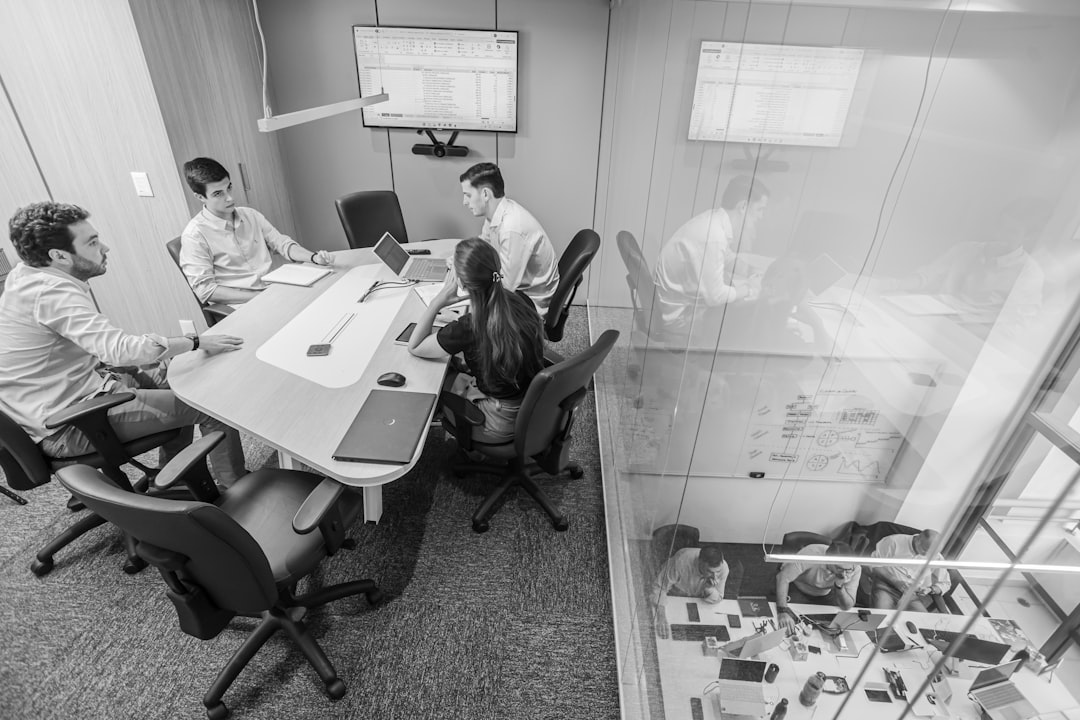
Planning a meeting in Portland? Here's exactly which audiovisual equipment to arrange — and how to avoid the setup mistakes that derail presentations.
You've booked the venue, confirmed the agenda, and sent the calendar invites. Then someone asks: what about AV? For many meeting planners — especially those coordinating an all-hands session, an off-site board meeting, or a client-facing presentation at a Portland hotel or conference center — audiovisual equipment is the last thing added to the checklist and the first thing blamed when something goes wrong. The question of which audiovisual equipment needs to be arranged when planning a meeting doesn't have a single answer. It depends on your room size, your presenter count, your content type, and whether your audience is in the room, dialing in remotely, or both. This guide walks through every category of AV gear a meeting planner should evaluate — and explains which situations actually require each one.
Most Meetings Need More AV Than the Room Already Has
Hotel ballrooms, corporate training rooms, and event spaces vary enormously in what they provide built-in versus what you need to supply. A room with a ceiling projector and wall speakers is not the same as a room that's set up for your meeting. Built-in projectors are often underpowered for large rooms or high-ambient-light conditions. House PA systems are designed for general announcements, not intelligible speech in a 200-person breakout session.
Before assuming the venue handles AV, get the equipment spec sheet — not just confirmation that AV is available. The gap between what's installed and what your meeting actually requires is where most avoidable problems originate.
Projection and Display: What Your Room Size Actually Demands
For any meeting where presenters are sharing slides, video, or data, you need a display system scaled to the room. This is where the most common planning mistakes happen.
Projector and screen remain the standard for rooms beyond roughly 30 attendees or any space wider than 25 feet. Throw distance, lumens output, and screen size all need to match your specific room dimensions. A 3,000-lumen projector in a bright windowed boardroom produces a washed-out image — you'd need 4,500–5,000 lumens or blackout control to compensate.
Screen sizing follows a basic rule: the back row should be no farther from the screen than six times the screen height. A 100-inch diagonal screen works for rooms up to about 40 feet deep. Rooms beyond that need a larger screen or a second display.
Confidence monitors — smaller screens facing the presenter — allow speakers to reference slides without turning their back to the audience. These matter more than most planners realize for polished delivery.
Sound Systems: The Category Most Planners Underbudget
Poor audio is the fastest way to lose an audience. If attendees are straining to hear, comprehension drops and attention follows.
For meetings under 30 people in a standard conference room, a good built-in or portable PA system with a single speaker may be sufficient. For anything larger — or any room with hard floors, high ceilings, or ambient noise from HVAC — you need a proper PA system with stage or podium placement and enough wattage to fill the room without distortion.
Wireless microphones are the right choice any time a presenter moves away from a fixed podium. A handheld wireless mic handles Q&A roaming. A lavalier (clip-on) mic keeps a presenter's hands free during a demonstration or panel. For multi-speaker panels, plan one dedicated mic per speaker — passing a single mic around a panel table slows pacing and feels unpolished.
Room acoustics matter. Carpeted hotel ballrooms absorb sound differently than hard-surfaced corporate atriums. If your venue has significant echo or background noise, discuss it with your AV provider before the rental is finalized, not the morning of the event.
Additional Equipment Worth Evaluating
Presentation switchers and HDMI distribution become necessary when multiple presenters are connecting laptops. Without a switcher, transitions between speakers cause delays and distract from content flow.
Lighting is often overlooked entirely. If your meeting includes video recording, live streaming, or a stage-style keynote format, standard room lighting will flatten the image quality. Even basic front-fill lighting improves presenter visibility and video output significantly.
Livestream and hybrid meeting setups add a layer of complexity: camera, audio feed, encoding hardware, and a stable internet connection all need to be coordinated. This is not the place to rely on a laptop webcam.
Matching Equipment to Your Meeting Format
Not every meeting needs every category of gear. Here's how to match the equipment list to your actual format:
- Small internal meeting (under 20 people, single presenter): Laptop-to-display connection, one wireless lav mic if the room is large, no PA required.
- Department all-hands or training session (20–75 people): Projector and screen, PA system with two speakers, one wireless handheld or lav mic.
- Multi-speaker conference session or panel (75–200 people): High-lumen projector or dual screens, full PA with subwoofer support, dedicated wireless mic per speaker, presentation switcher.
- Hybrid or livestreamed meeting: All of the above plus camera, capture hardware, and dedicated audio feed — plan this as a separate technical requirement, not an add-on.
When you're renting AV for a meeting at a Portland-area venue — whether it's a Beaverton conference center, a Lake Oswego hotel, or a downtown event space — local rental means same-day availability if something changes and on-site support if something fails. All equipment is tested before delivery, so the check-in process at load-in goes faster and you're not troubleshooting cables when attendees are walking in.